
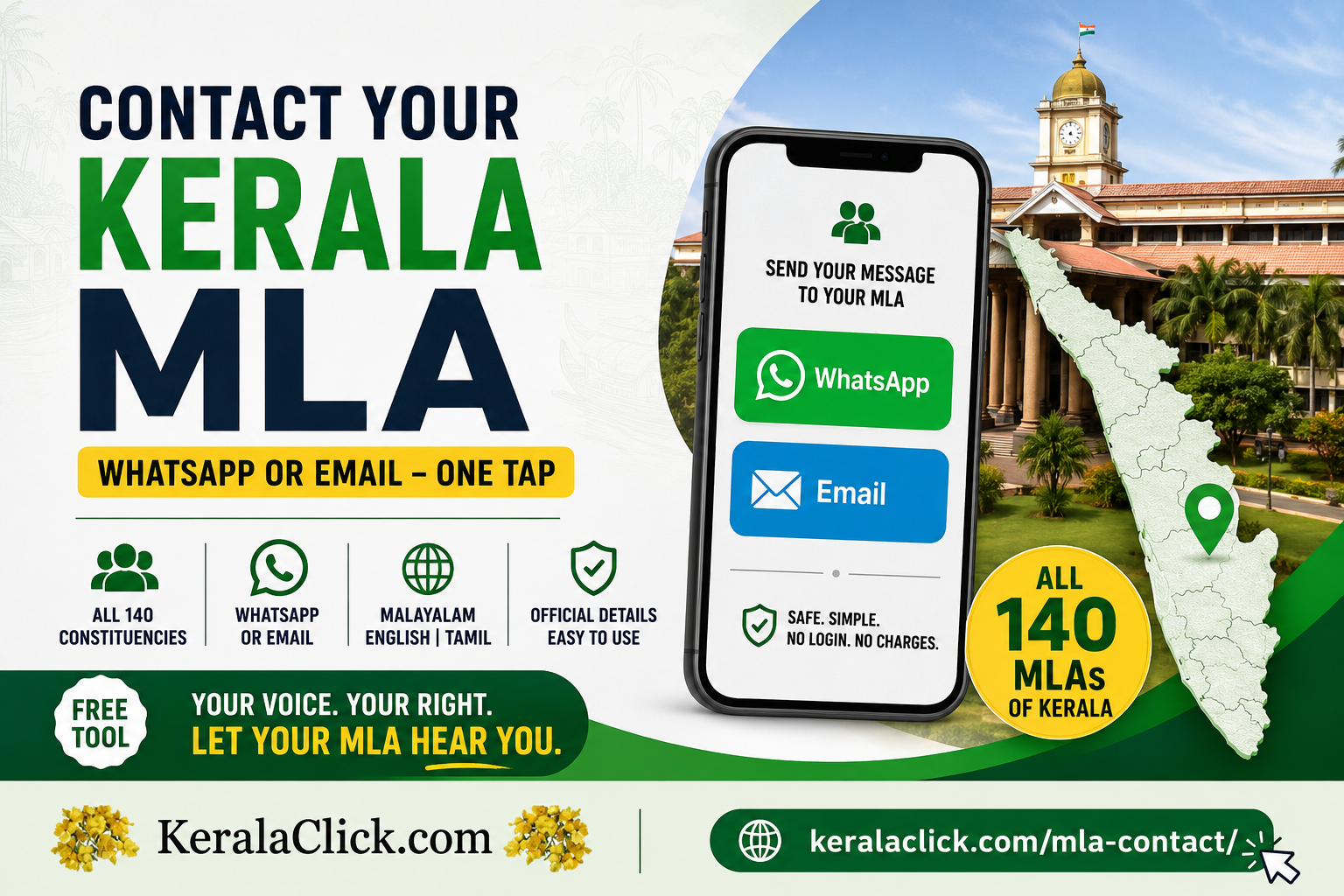
Have you ever wanted to tell your MLA about a broken road, a delayed pension, a water shortage, or a school that needs attention — but had no idea how to actually reach them?
You are not alone. Most people in Kerala have never contacted their MLA even once, not because they don’t have anything to say, but because finding a working phone number or email is far too difficult. The official details exist, but they are scattered across government PDFs and websites that were never built with the common man in mind.
We built a simple solution.
👉 Contact your MLA here: https://keralaclick.com/mla-contact/index.html
This free tool from KeralaClick.com lets any citizen contact all 140 MLAs of Kerala and their Personal Assistants (PAs) directly, in under a minute, using WhatsApp or email — in Malayalam, English or Tamil. No login. No charges. No middleman.
In this article we explain exactly what it is, why it exists, every feature it has, how to use it step by step, and how you can help spread the word.
Why contacting your MLA is harder than it should be
Your MLA — Member of the Legislative Assembly — is your elected voice in the Kerala Niyamasabha. Reaching them should be your basic right as a citizen. In theory the contact details are public. In practice, here is what a common man faces:
- The information sits inside long government PDF files that are hard to open on a phone.
- Numbers and emails are buried across multiple pages of the official website.
- Many listings are outdated, incomplete, or not mobile-friendly.
- There is no easy “search my constituency and message my MLA” option anywhere.
- Nothing is available in a clean, tap-to-contact format that ordinary people expect today.
The result? People give up. Genuine complaints and good suggestions never reach the people who can act on them. Democracy works best when citizens and representatives can talk easily — and right now, that channel is broken for most people.
That is the exact gap this tool fills. The official sources publish the data; we simply make it usable.
What is the KeralaClick MLA Contact System?
It is a free public utility that organises the officially published contact details of every Kerala MLA into one clean, fast, mobile-friendly website. You pick your district and constituency, find your MLA and their PA, write your message, and send it on WhatsApp or email in a single tap.
Try it now: https://keralaclick.com/mla-contact/index.html
Naked link (copy and share): https://keralaclick.com/mla-contact/index.html
Let us be completely honest and clear about one thing: this is a citizen platform, not an official government service. It has no connection with any MLA, PA, or government office. Every contact detail used here is already published by the Kerala Legislative Assembly (niyamasabha.org). We only present it in a way that a common person can actually use.
Every feature explained in detail
Here is everything this system offers, and why each feature matters to you.
1. All 140 MLAs across all 14 districts
Every single constituency in Kerala is covered — all 140 MLAs across all 14 districts: Thiruvananthapuram, Kollam, Pathanamthitta, Alappuzha, Kottayam, Idukki, Ernakulam, Thrissur, Palakkad, Malappuram, Kozhikode, Wayanad, Kannur and Kasaragod. Wherever you live in Kerala, your MLA is in here.
2. Reach the MLA and the Personal Assistant (PA)
In real life, the PA is often the person who actually picks up the phone and moves your file. This system gives you both the MLA’s contact and the PA’s contact in one place. Out of 140 MLAs, 115 have a listed PA; the remaining 25 show the MLA’s contact directly. Where an MLA has more than one PA number, both are shown so you can reach whoever responds.
3. WhatsApp and Email — your choice, one tap
You can send your message two ways:
- WhatsApp — the fastest, most familiar option for most Keralites. The system opens WhatsApp with your full message already typed out. You just press send.
- Email — for a more formal, on-record message. The system opens your email app addressed to the MLA, with the subject and full message ready.
Either way, you don’t type the whole thing yourself — the message is pre-formatted neatly with your details, constituency, category and message.
4. Works in Malayalam, English and Tamil
The entire tool is trilingual. Switch between മലയാളം (Malayalam), English, and தமிழ் (Tamil) with one tap. Labels, categories, terms and the message format all change to your chosen language. This makes it usable for the widest possible audience across Kerala, including the Tamil-speaking border regions.
5. Find your MLA three easy ways
- By district and constituency — pick your district, then your constituency from a simple dropdown.
- By name search — type your MLA’s name or constituency and it appears instantly.
- No confusion, no scrolling through 140 names.
6. Thirteen ready-made categories
Not sure how to frame your issue? Pick from 13 common categories, so your message is properly labelled for the office:
Appointment with MLA, Law & Order, Health, Education, Roads & PWD, Drinking Water, Electricity, Pension & Welfare, Revenue & Certificates, Employment, Development Suggestion, Grievance / Complaint, and Other.
7. Your message is pre-formatted for you
You don’t need to know the “right way” to write to an MLA. Just fill in your name, phone, place, category and your point. The system builds a clean, respectful, well-structured message automatically — with your constituency and category included — so it looks proper when it lands.
8. Optional public board
If you choose to, you can allow your message to appear on a public board so other citizens can see the common issues being raised in your area. This is completely optional — it only happens if you tick the consent box, and it is shown only after review. Your phone number and email are never shown publicly. This turns individual complaints into visible, collective civic pressure.
9. Spam protection
A simple human-verification step (a small captcha) keeps bots and misuse away, so the system stays clean and the contacts are respected.
10. Mobile-friendly and fast
The whole thing is built mobile-first with a light, fast, pastel design. It works smoothly on any phone — which is exactly where most people will use it. No app to install. No account to create.
11. Free forever, no login
There is no charge and no login for citizens. Open the link, find your MLA, send your message. That’s it.
Start here: Contact your Kerala MLA now
How to use it — step by step
Here is the entire process, start to finish. It takes less than a minute.
Step 1 — Open the tool. Go to https://keralaclick.com/mla-contact/index.html on your phone or computer.
Step 2 — Choose your language. Tap മലയാളം, English, or தமிழ் at the top.
Step 3 — Complete the quick human check. Solve the simple verification (for example, a small sum) to unlock the contacts. This keeps the system spam-free.
Step 4 — Find your MLA. Select your district, then your constituency. Or just type your MLA’s name or area in the search box. Your MLA’s card appears, showing the MLA and the PA.
Step 5 — Reveal the contact. Tap to reveal the number. You’ll see the MLA’s and PA’s WhatsApp contacts.
Step 6 — Write your message. Fill in your name, phone, place, choose a category (like Drinking Water or Roads & PWD), and type your message. Keep it genuine and to the point.
Step 7 — Agree to the simple terms and (optionally) allow public display. Tick the terms box. If you’d like your message shown on the public board to help highlight local issues, tick the consent box too — this is optional, and your phone and email always stay private.
Step 8 — Send. Tap WhatsApp (MLA), WhatsApp (PA), or Email. Your message opens ready in the app — just press send inside it. Done. Your voice has reached your representative.
Real examples of when to use it
- A streetlight on your road has been dead for weeks → category Electricity, send on WhatsApp.
- Your parent’s pension has been delayed for months → category Pension & Welfare.
- A government certificate is stuck in the office → category Revenue & Certificates.
- Your area needs a new bus stop or better road → category Development Suggestion.
- A local school or hospital needs attention → Education or Health.
- You want a face-to-face meeting with your MLA → Appointment with MLA.
Whatever the issue, there is a clean way to raise it — respectfully and on record.
Is it safe and proper to use?
Yes. A few honest points so you can use it with full confidence:
- The contact details are already public, published by the Kerala Legislative Assembly. This tool does not create or leak any private information.
- Use it only for genuine matters — real complaints, suggestions, and requests. Misuse, abuse, or threatening messages are strictly not allowed and go against the terms.
- Your privacy is protected — your phone and email are never shown on the public board.
- It is not an official government portal. It is a citizen initiative that makes official information easy to use. For official records, the Niyamasabha website remains the source.
Please always be respectful and truthful in your messages. You are talking to your elected representative and their staff. Courtesy gets results.
Why this matters for Kerala
Kerala has one of the most politically aware and literate populations in India. But awareness only becomes power when people can act on it. When contacting your representative is easy, three good things happen:
- Genuine local problems reach the right people faster.
- MLAs get direct, honest feedback from the citizens they serve.
- Ordinary people feel heard — and a heard citizen is an engaged citizen.
This is civic technology in the simplest, most useful form: taking something that already belongs to the public and making it genuinely usable by the public.
Please share this — help your neighbours be heard
Here is the most important request of this whole article.
A tool like this only works if people know it exists. You might not have an issue to raise today — but your neighbour, your parents, your colleague, or someone in your ward almost certainly does, and they have simply given up on reaching their MLA.
So please, take ten seconds and share this link with your family, friends, ward WhatsApp groups, residents’ associations, and local community pages:
👉 https://keralaclick.com/mla-contact/index.html
- Forward it on WhatsApp to your family and neighbourhood groups.
- Post it on Facebook and your local community pages.
- Share it on Instagram and X (Twitter).
- Tell your residents’ association and Kudumbashree unit.
- Mention it to anyone who has ever said “I don’t know how to reach my MLA.”
Every share puts this tool in the hands of one more person who needs it. That is how a common man’s voice starts reaching the corridors of power — one shared link at a time.
Quick links
- Contact your MLA (main tool): https://keralaclick.com/mla-contact/index.html
- Naked link to copy and share: https://keralaclick.com/mla-contact/index.html
- Find Your MLA directly: https://keralaclick.com/mla-contact/mla.html
- Public Board (see local issues): https://keralaclick.com/mla-contact/board.html
Frequently asked questions
Is it free? Yes, completely free. No charges, no login for citizens.
Do I need to install an app? No. It works in any web browser on any phone or computer. It uses your existing WhatsApp or email app to send the message.
Which MLAs are covered? All 140 MLAs of Kerala, across all 14 districts, along with their Personal Assistants where listed.
Can I write in Malayalam? Yes. The tool works fully in Malayalam, English and Tamil.
Will my phone number be shown publicly? Never. Even if you allow your message on the public board, your phone and email are always kept private.
Is this an official government website? No. It is a free citizen platform by KeralaClick.com that organises officially published contact details into an easy-to-use format. It is not affiliated with any MLA or government office.
Where does the data come from? From the Kerala Legislative Assembly’s own published information (niyamasabha.org).
Your MLA is meant to represent you. Now reaching them is finally simple. Use it, and just as importantly — share it, so every Keralite can be heard.
👉 Contact your Kerala MLA now — free, fast, in your language